







Featured article
Select a UAS payload around the mission outcome: the data required, its accuracy, operating conditions and the carrying platform.
In this article
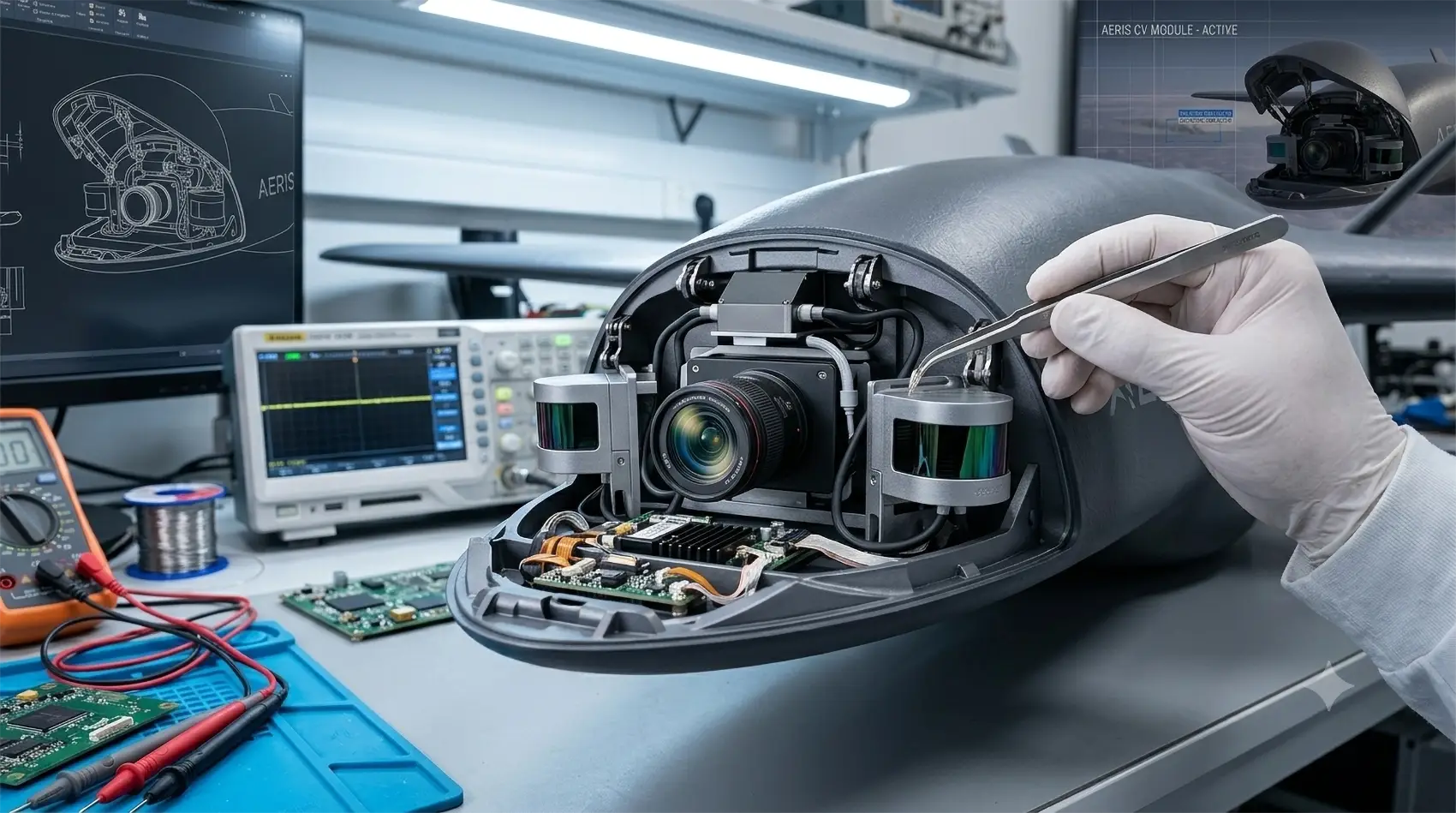
Computer vision in UAS is often perceived as a universal function: install a camera, add a neural network and receive automatic responses. In a real project, everything is more complicated. The algorithm works only when the sensor, optics, stabilization, computer, lighting, flight altitude and method for checking the result are consistent with each other.
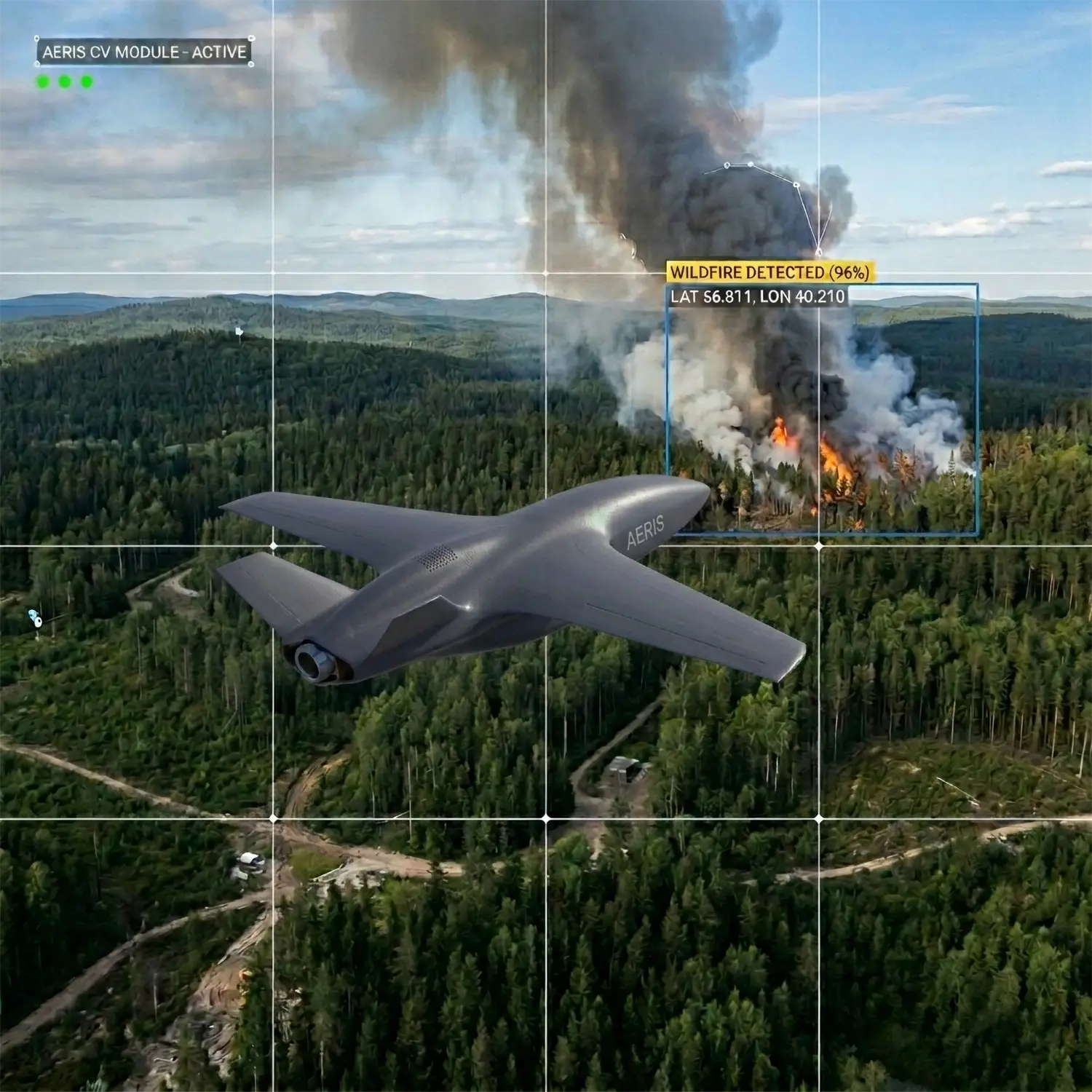
For AERIS, computer vision is not a separate module, but part of an aerial robotic system. It should help the mission: find defects, highlight objects, count changes, aid navigation, or reduce the amount of data that the operator has to review manually.
You need to start with the question of what decision should be made after image processing. Signs of defects are important for infrastructure monitoring. For perimeter security - detection of objects and events. For navigation - stable landmarks and position assessment. For inspection - repeatability of shooting and the ability to compare the condition of an object over time.
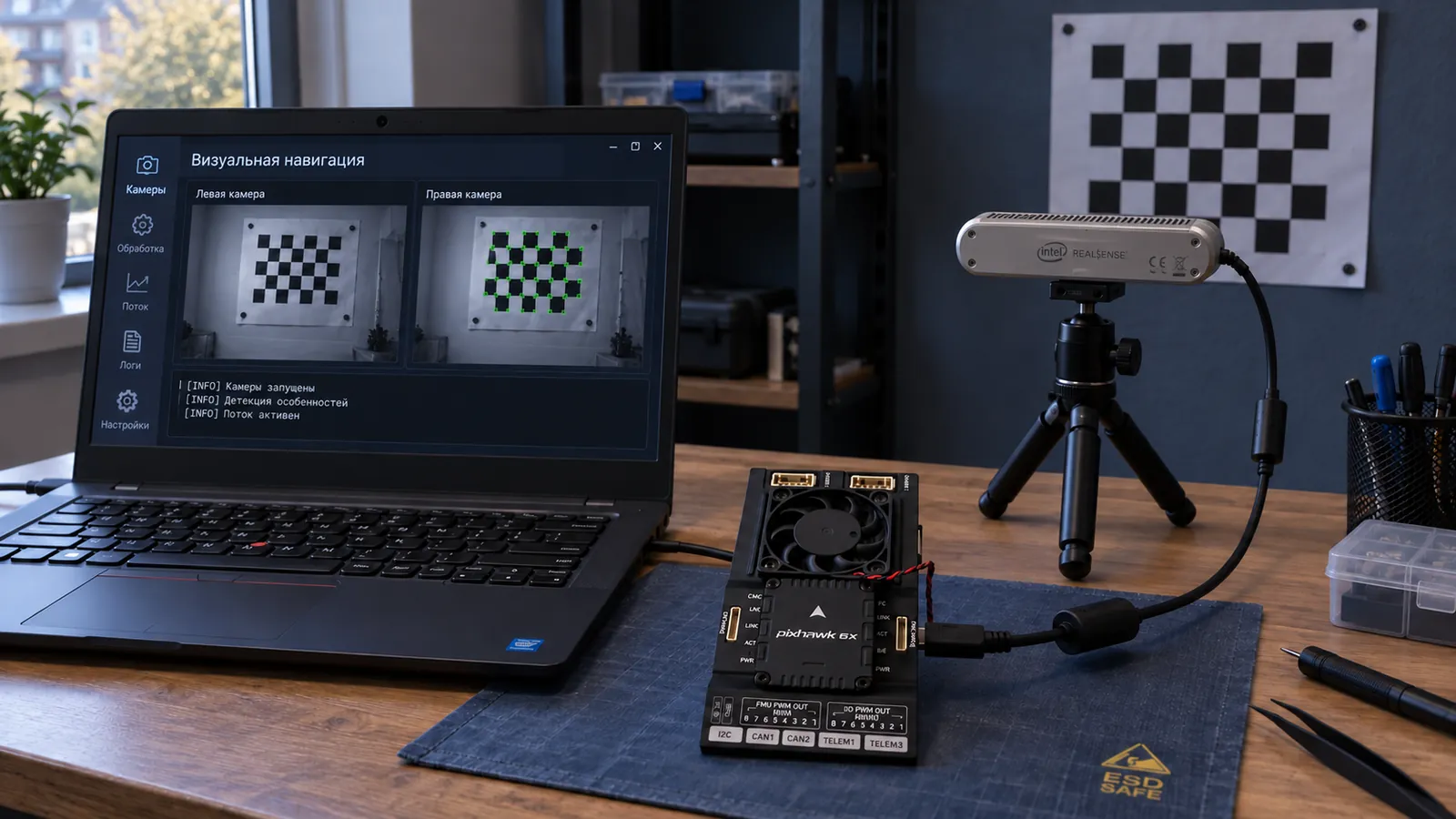
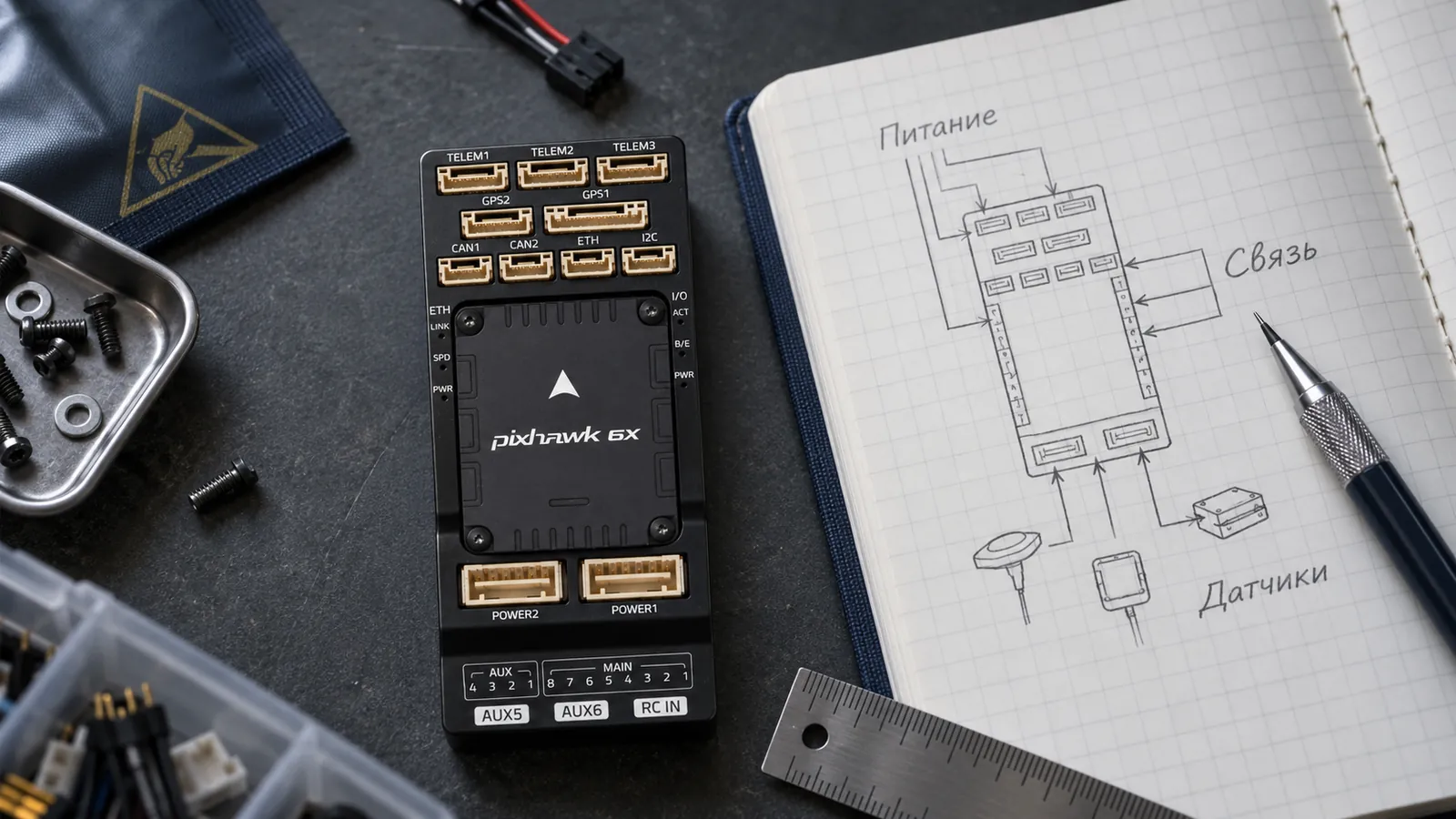
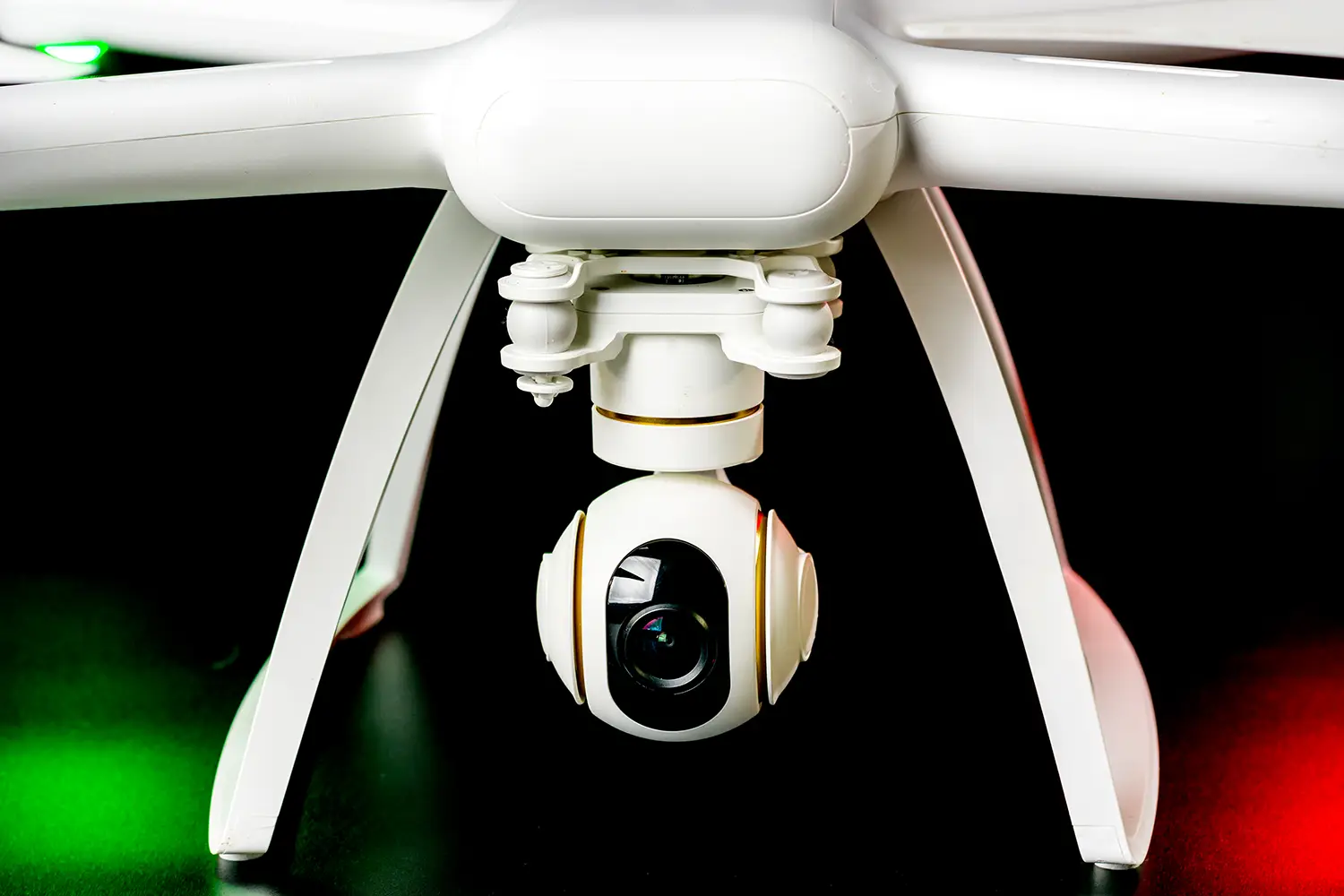
A working computer vision system consists of a camera, a gimbal or mount, an onboard computer, program model, communication channel and validation procedures. If even one part is chosen incorrectly, the quality of the entire system decreases.
The main limitations of computer vision for UAS are related to mass, power, heat, data path, and environmental variability.
In real-life operations, computer vision must be built into the route. The platform flies at a given altitude and speed, the camera receives a predictable frame, the algorithm highlights features, and the operator receives not a “to-look” stream, but understandable events or areas of attention.
For industrial applications, repeatability is especially important: if the mission is carried out regularly, the system should provide comparable data. Therefore, the route, camera settings, report format and quality control must be described in advance.
Most errors arise from trying to buy an “AI camera” without designing a scenario.
It is helpful to answer a few questions before a project.
Practical conclusion: It makes sense to implement computer vision as a combination of sensor, computer, data and operational process. Then the UAS becomes not just a camera carrier, but a decision-making tool.
Featured article
Select a UAS payload around the mission outcome: the data required, its accuracy, operating conditions and the carrying platform.
Featured article
How NEXUS connects perception, memory and forecasting across robots in a distributed reasoning process, from assessing a situation to coordinated action.


.svg)